 ScriptureCaster
Features
The interface
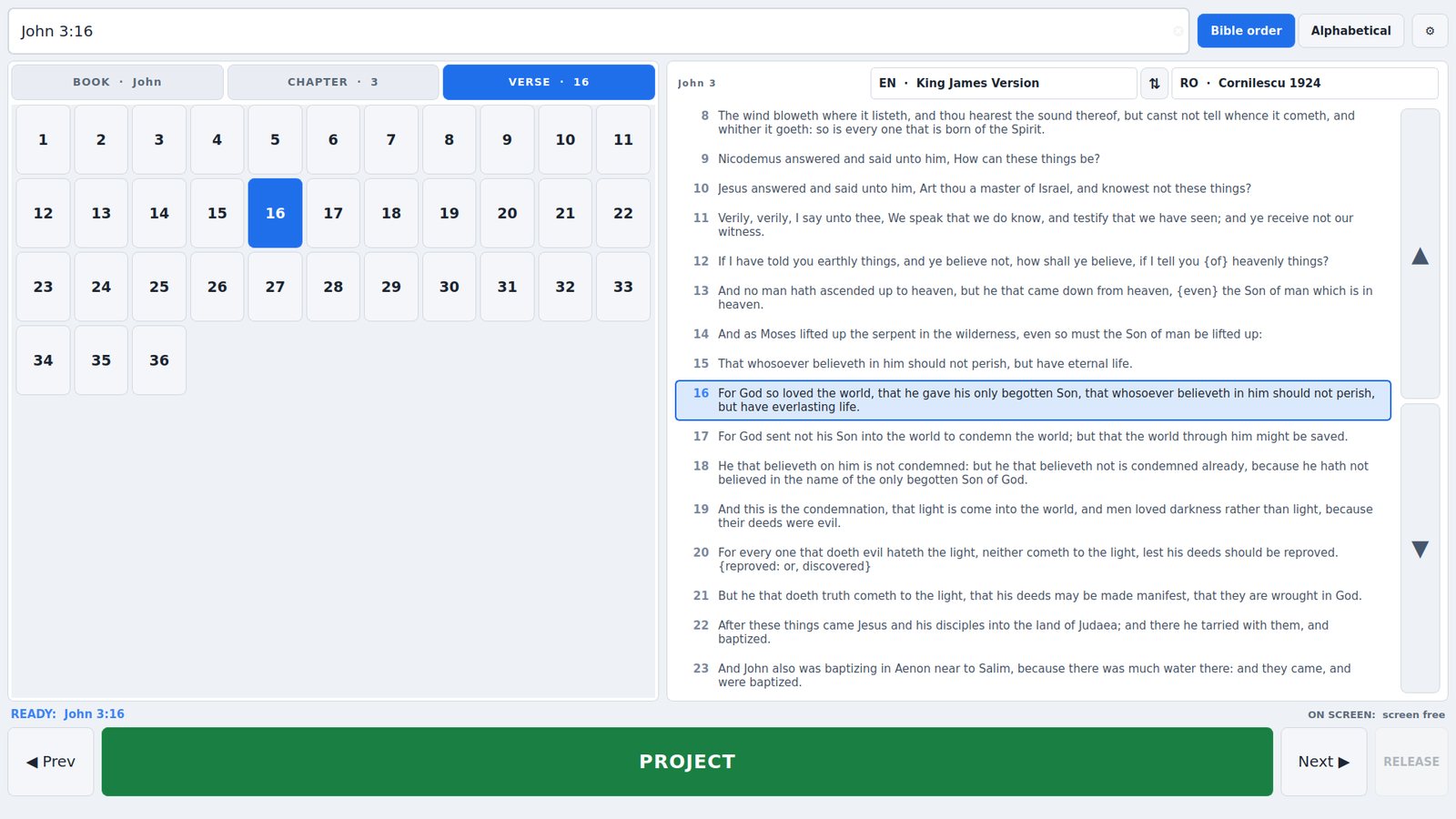
Dark and light
Both themes are complete, and the change applies the moment you press OK. The theme covers the control surface only — what the projector shows is set separately, so working in a light control room never puts a light slide in front of the congregation.
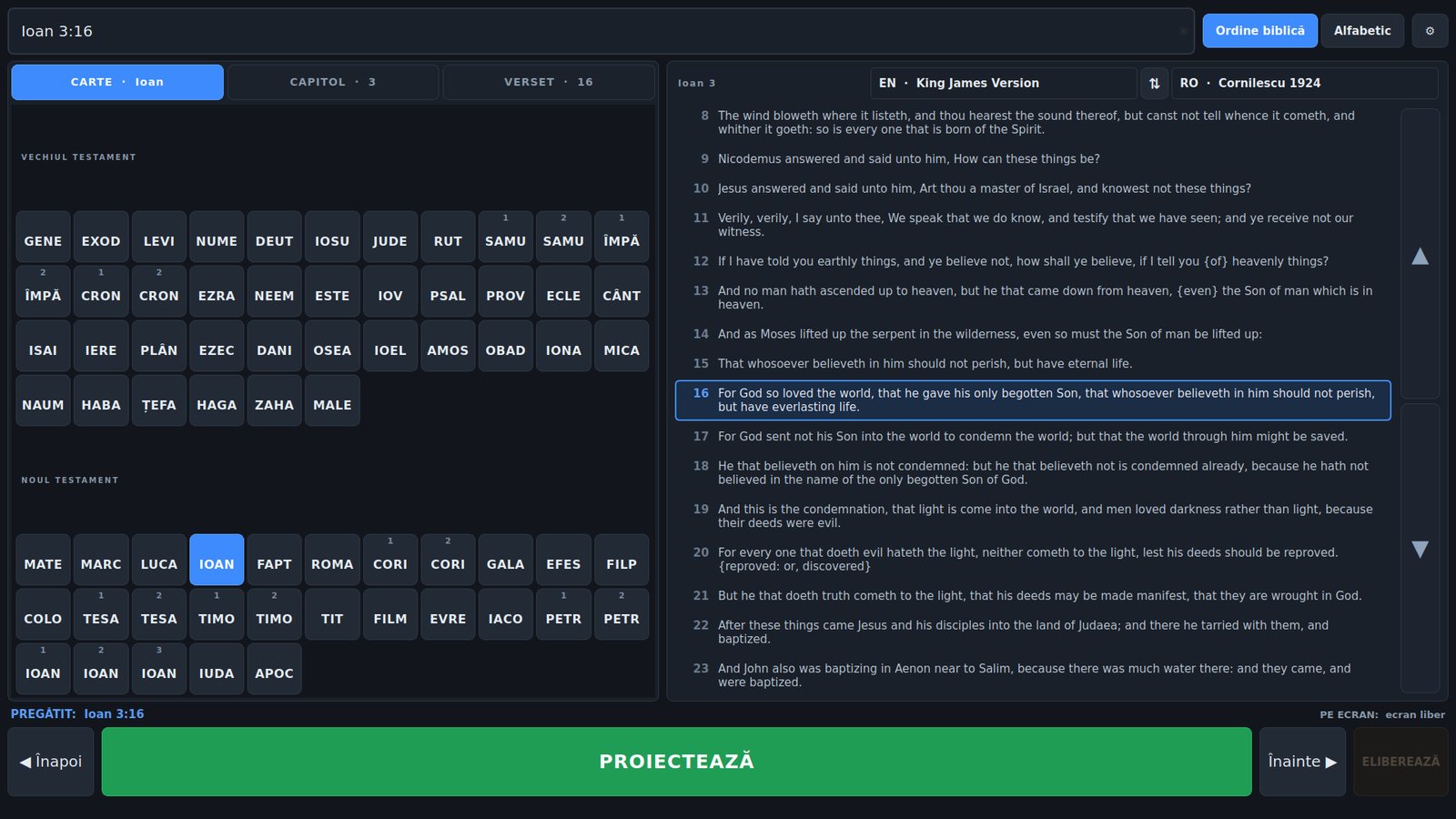
Your language, not the congregation's
The interface can be Romanian or English, and that is a separate question from what is being projected. Book codes, testament headers, tabs, buttons and the status strip all switch together and immediately.
The reference on the projector follows the translation instead, so an English verse is labelled John 3:16 even when the app is in Romanian — and a Romanian verse reads Ioan 3:16 even when the app is in English.
Keyboard
| Enter | Project what is selected |
| Esc | Give the screen back — works whatever else is happening |
| ↓ ↑ | Next / previous verse, re-projecting if something is live |
| PgDn PgUp | Next / previous chapter |
| Ctrl+L | Jump to the search box |
| F1 | Settings |
| F5 | Re-detect the screens |
What it remembers
- Window size and position, and whether it was maximised
- Which translations were on top and underneath
- Every screen's configuration, and the NDI settings
- Recently projected verses, as a history strip you can tap
- Theme, interface language and touch button size
Settings live in a plain text file, so a working setup can be copied to the projection PC rather than rebuilt on it.